

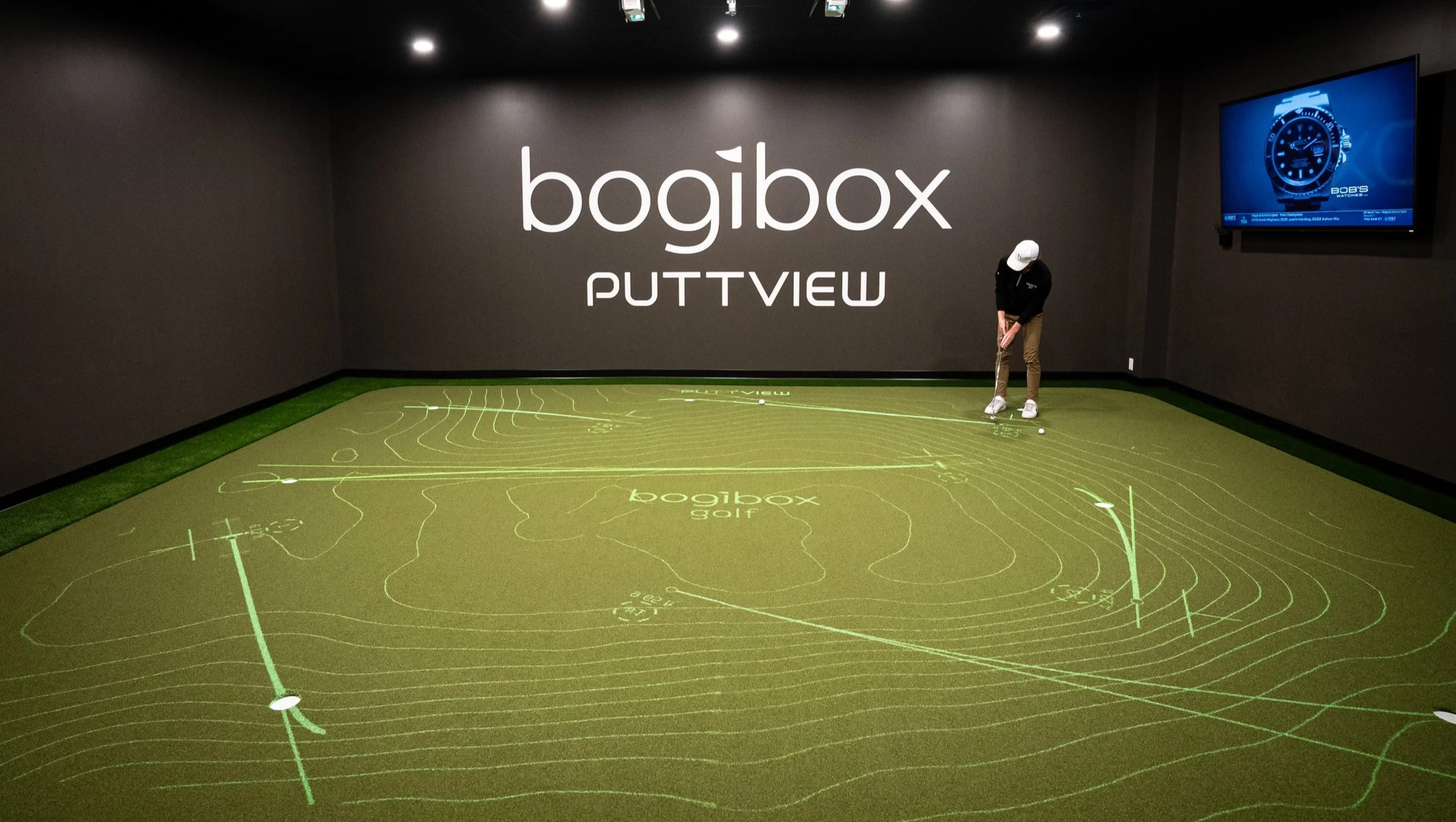
PuttView Lounge at bogibox Golf
Next-Gen Putting Practice Now Available to all bogibox Golf Members
We’ve combined the premium, high-tech, interactive PuttView technology with all the amenities of our premier simulator bays.
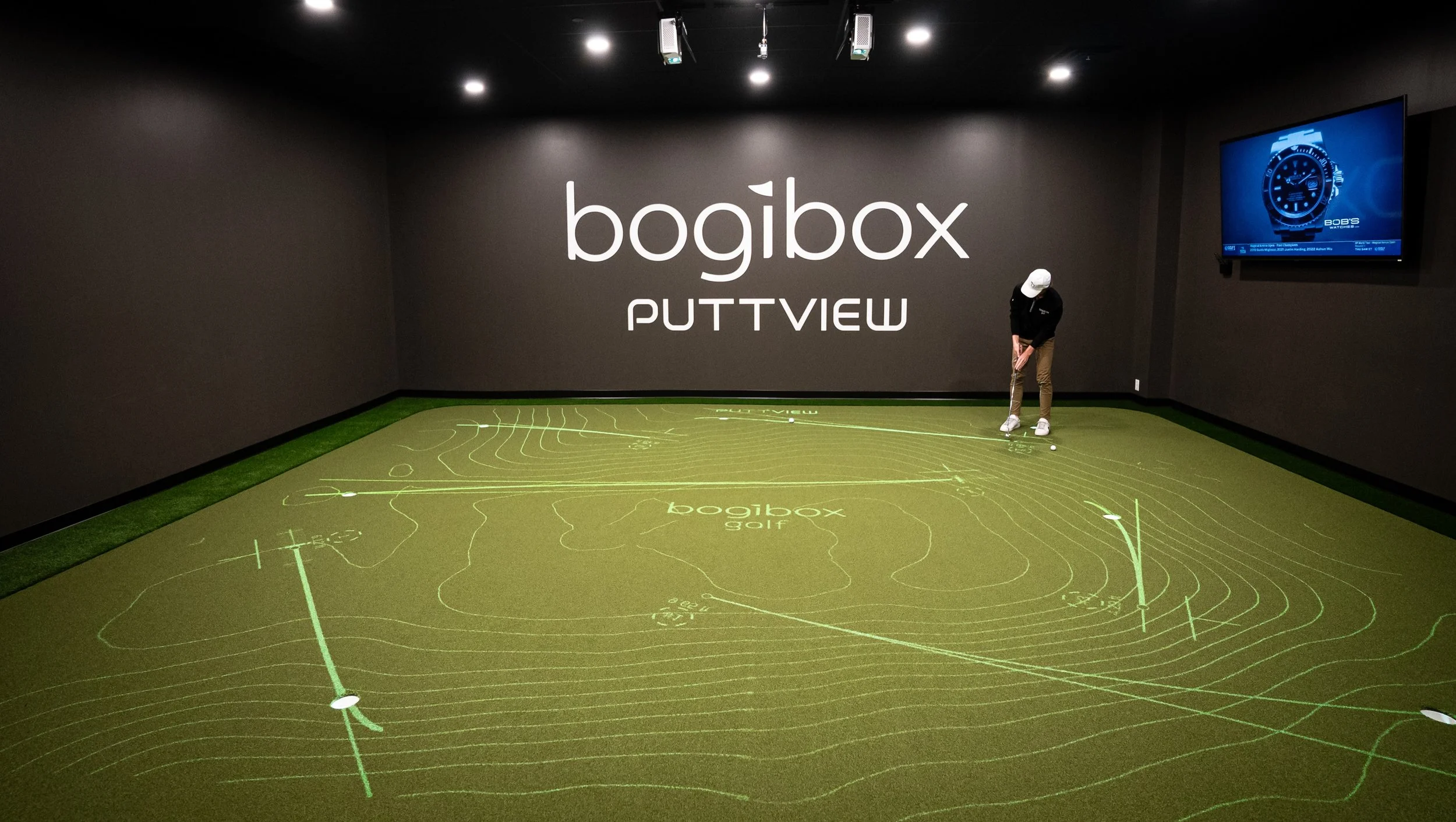


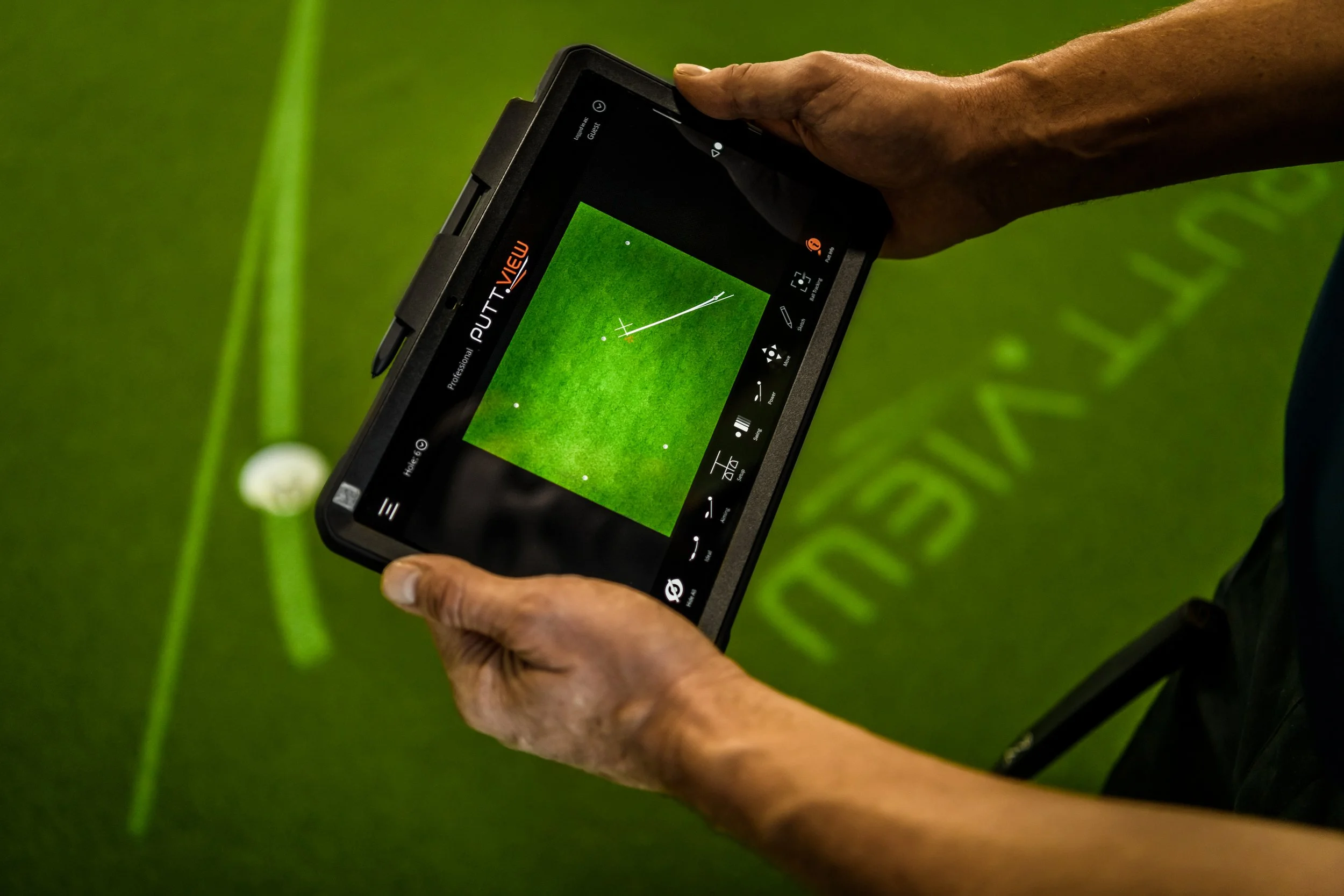




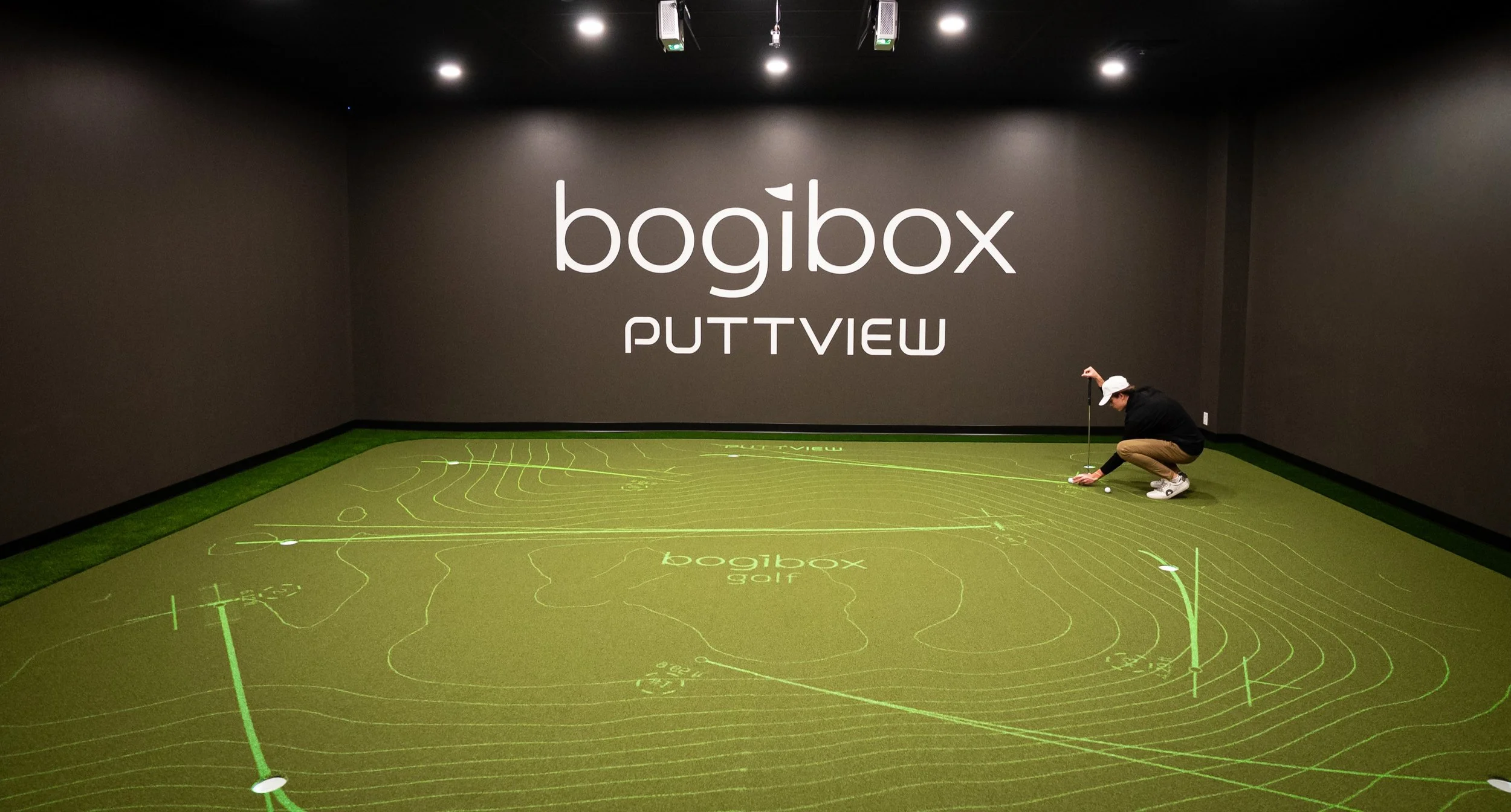


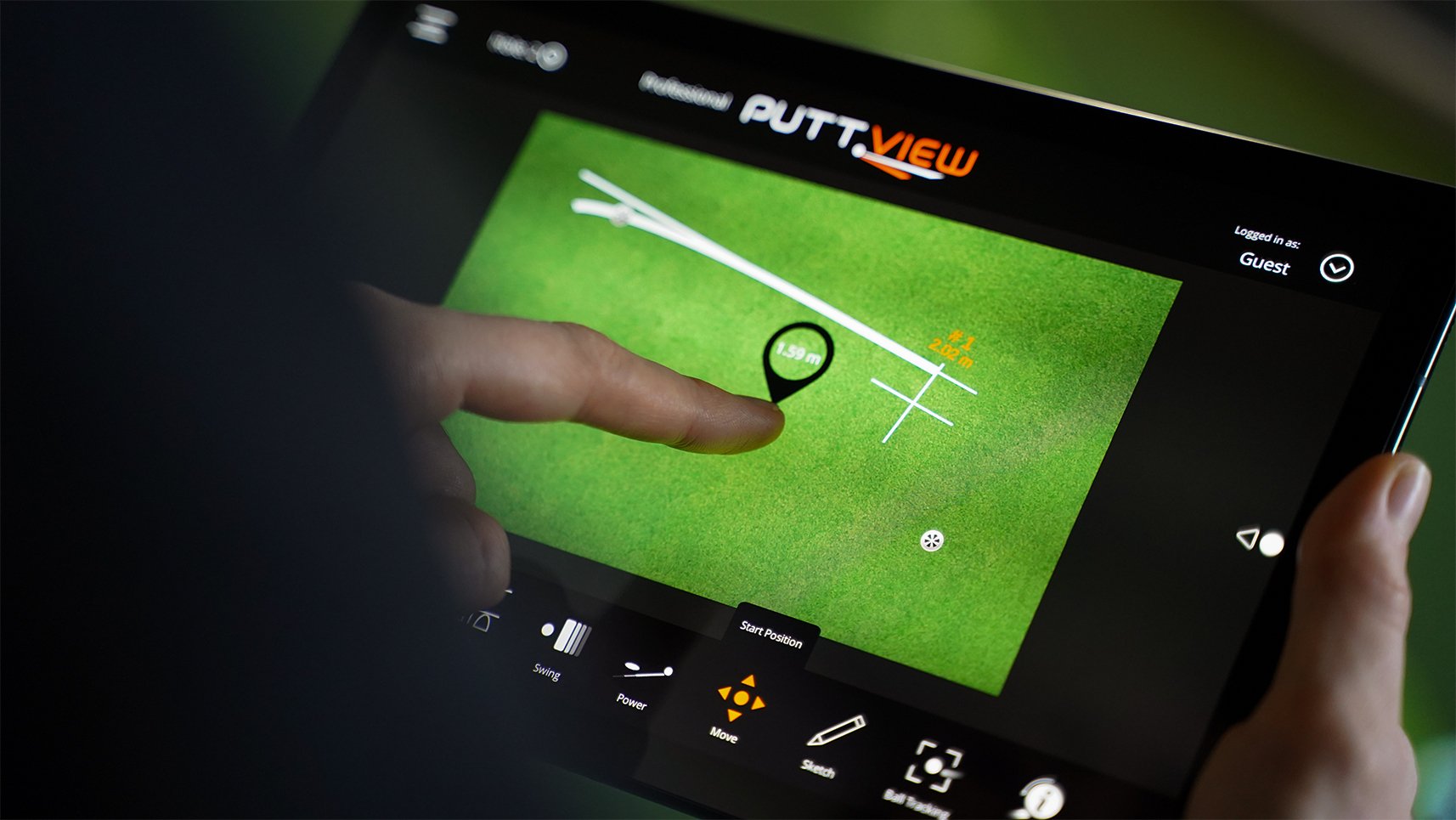



This augmented reality-based system uses an overhead projector to illustrate every aspect of a putt directly onto the green.
PuttView brings the fun back to putting with an intuitive and engaging way to practice.
The ball-tracking camera tracks your ball in real-time for valuable data to help you improve your putting game.
See this short clip to see how it works!
Putting practice elevated. bogibox Golf has added a new PuttView Lounge! Realtime ball-tracking helps you improve quickly. Whether you choose a structured practice time or want to check out the games, you will bring better skills to the courses this season. Join bogibox Golf to get started! https://www.bogiboxgolf.com/woodbury

PuttView FAQs
A membership to bogibox Golf is required to gain access to PuttView.
Current bogibox members: Add PuttView access to your existing membership plan, and start booking your tee times.
New bogibox members can join the PuttView Plus plan for access to PuttView and to our flex bay, bogi-By-The-Hour, if desired.
How do I access PuttView?
1
Current bogibox Golf members can book private sessions or check in for shared-use sessions from the bogibox App.
New bogibox Golf members can choose the bogibox membership plan from their preferred Clubhouse location and reach out for an orientation session.
PuttView orientation sessions are available to all members to ensure they are comfortable with the various ways to use the technology.
2
How do I get started?
There are numerous PuttView Indoor tutorials available online.
How to practice with PuttView provides a great overview. You can find it here: https://www.puttview.com/practice/
bogibox Golf members who use PuttView in a shared-access session have found it helpful when they share tips and tricks with each other.
How do I learn more about PuttView?
3
Members can reach out via the bogibox app, using the text, chat, or email feature.
For general questions about PuttView:
text or call:
651-867-3111,
or write info@bogiboxgolf.com